B1
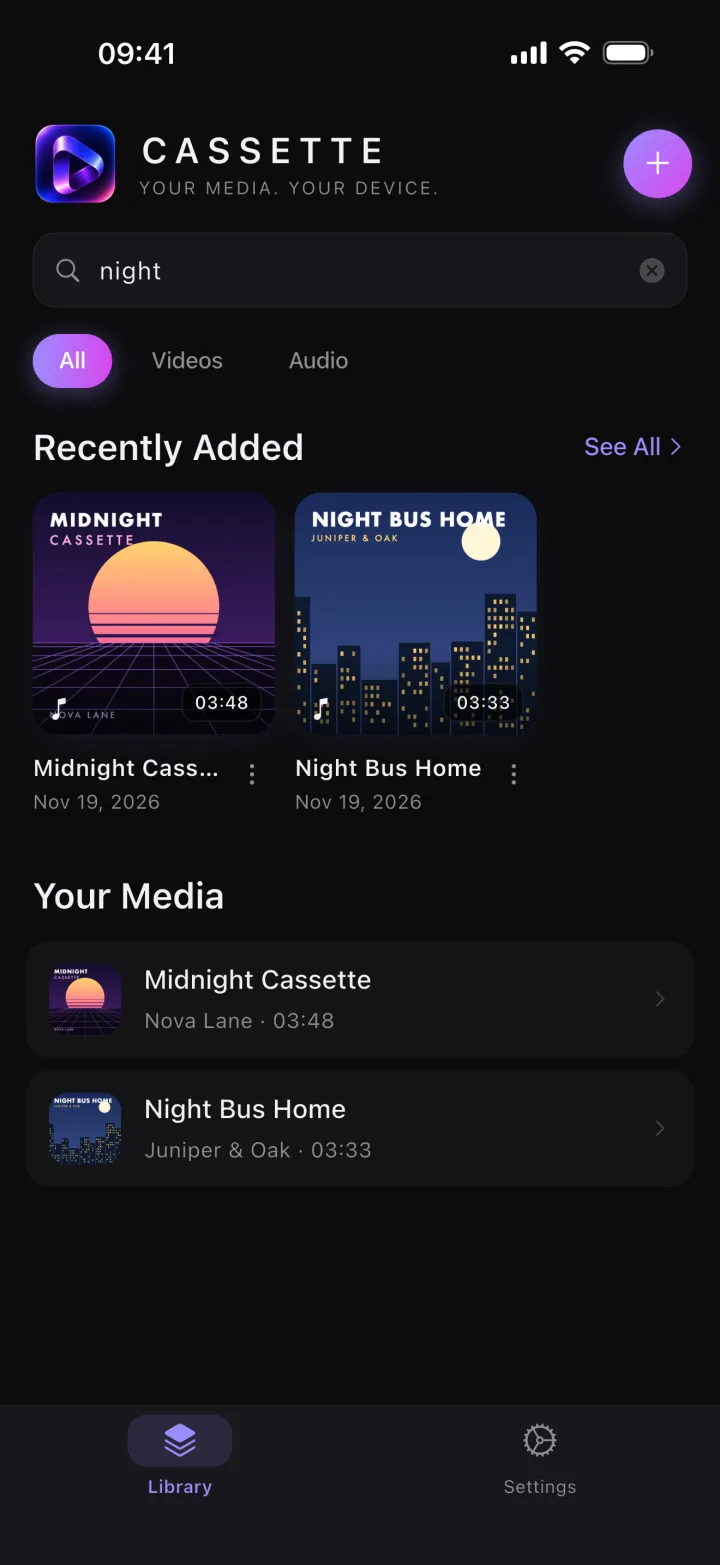
Find any track
Search titles, artists and albums.
Retro player · Video to MP3
Cassette Air plays the music and videos you already own, offline, on a cassette deck in your pocket. Turn any video into MP3. No account, no streaming, no subscription.
Free · iPhone and iPad · iOS 15+
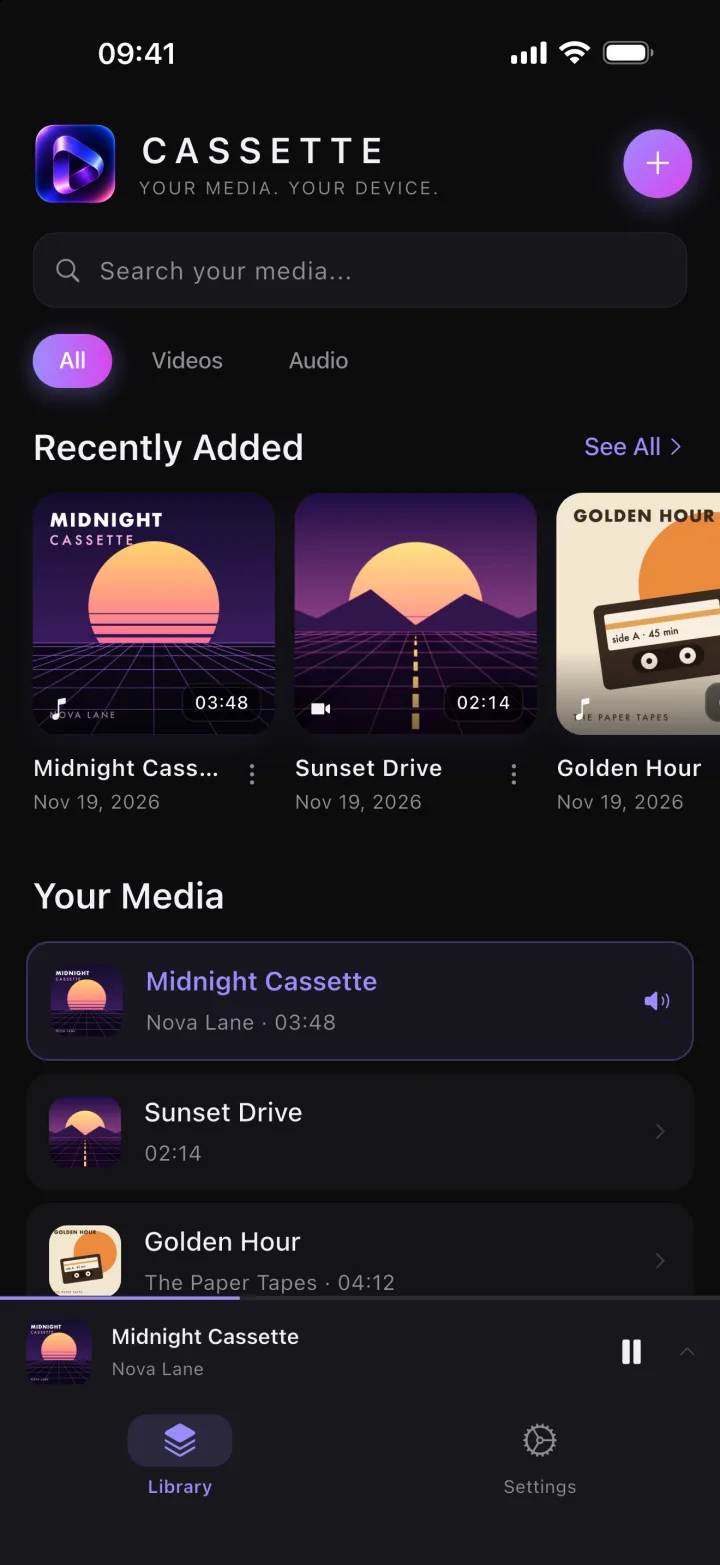
Press play
Scroll to play it. Side A is the player, side B is the little things that make it yours.
Side A
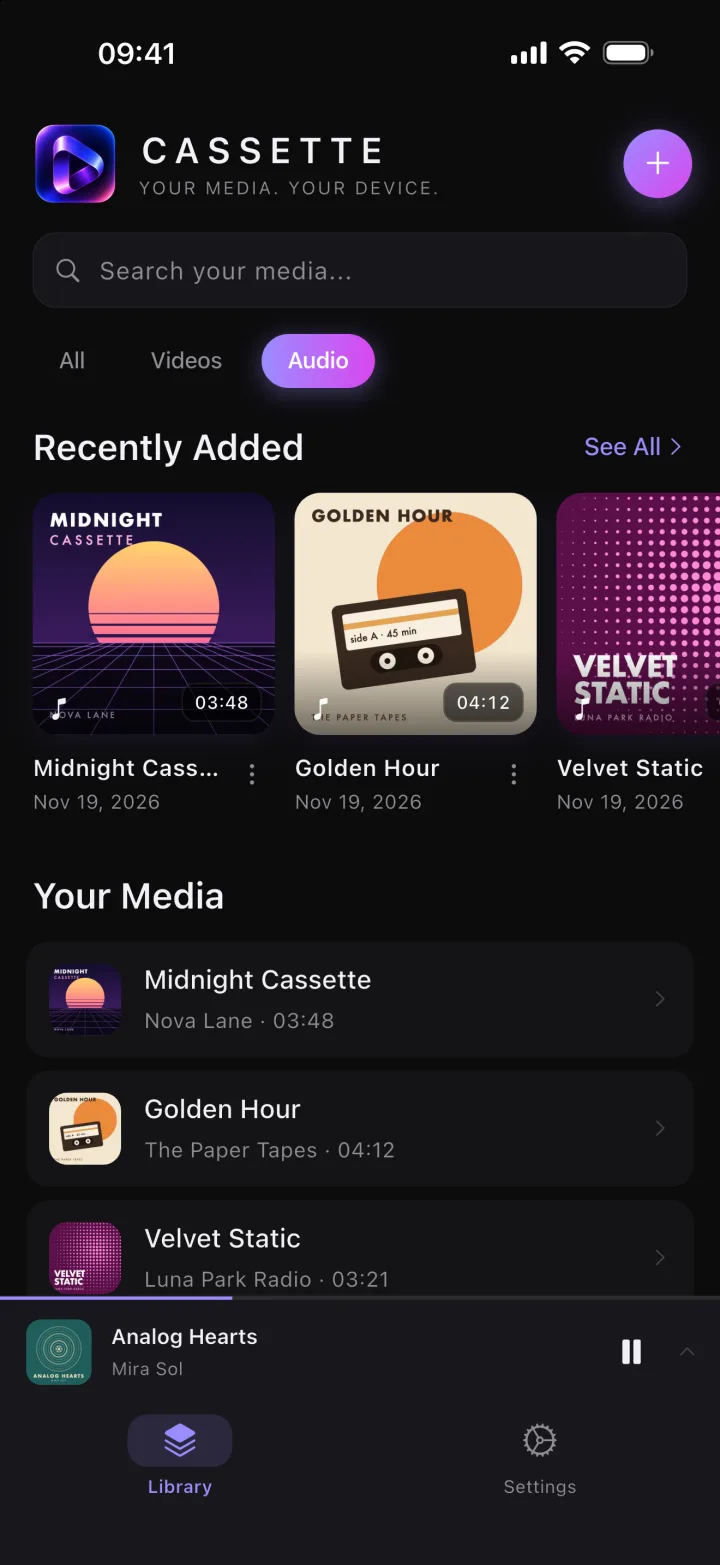
A1 · The player
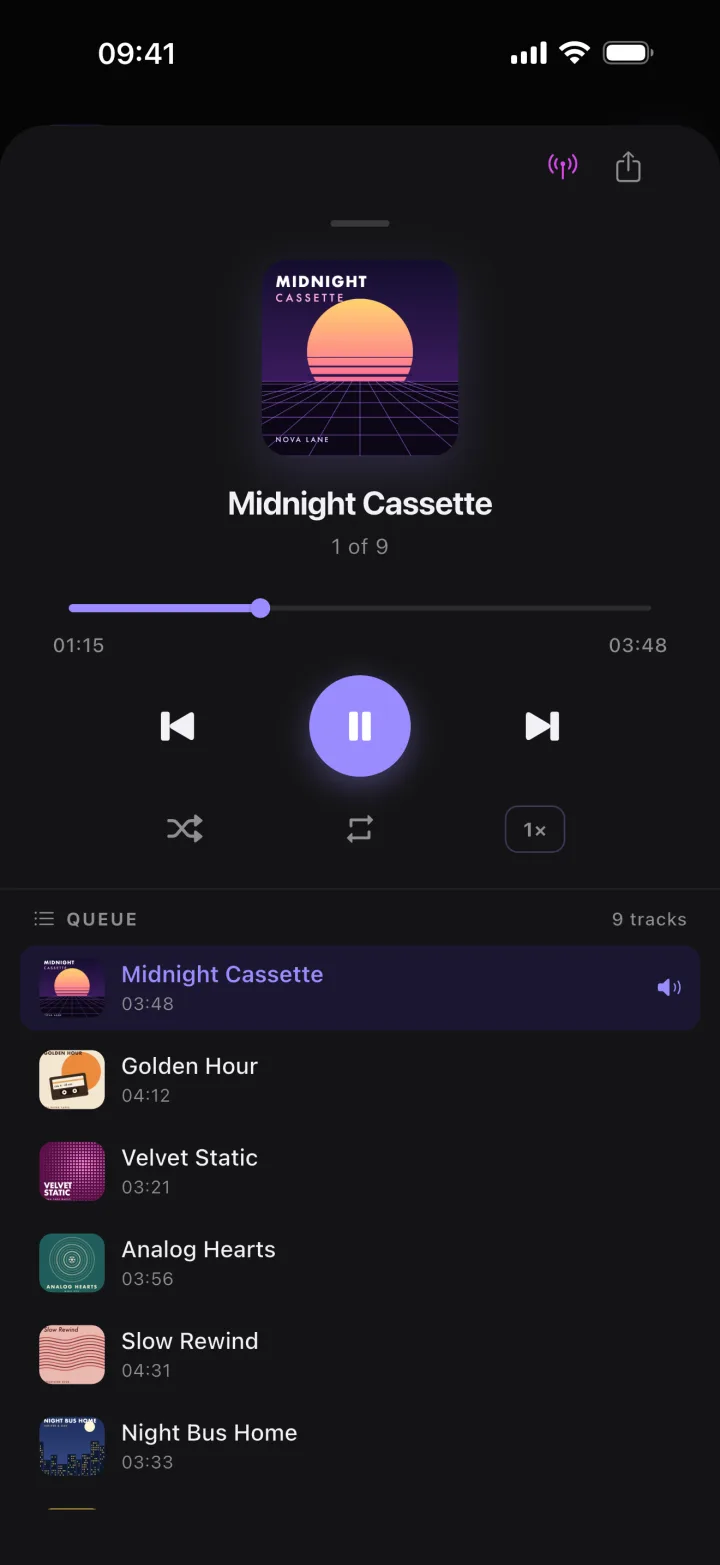
Every song gets its artwork, from the file or drawn in the cassette style when there is none.
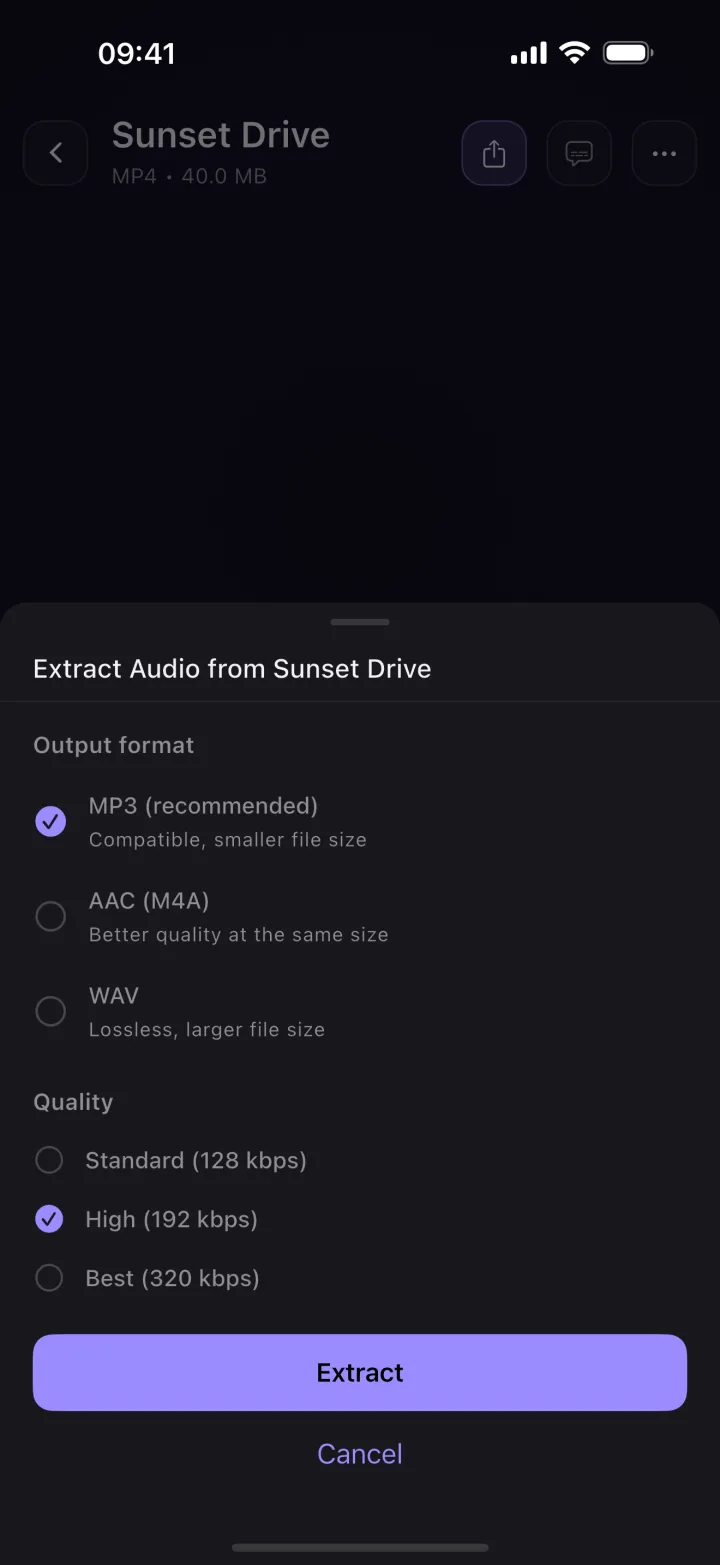
A2 · Video to MP3
Open a video, choose Extract Audio, pick a format and a quality. The new track lands in your library.
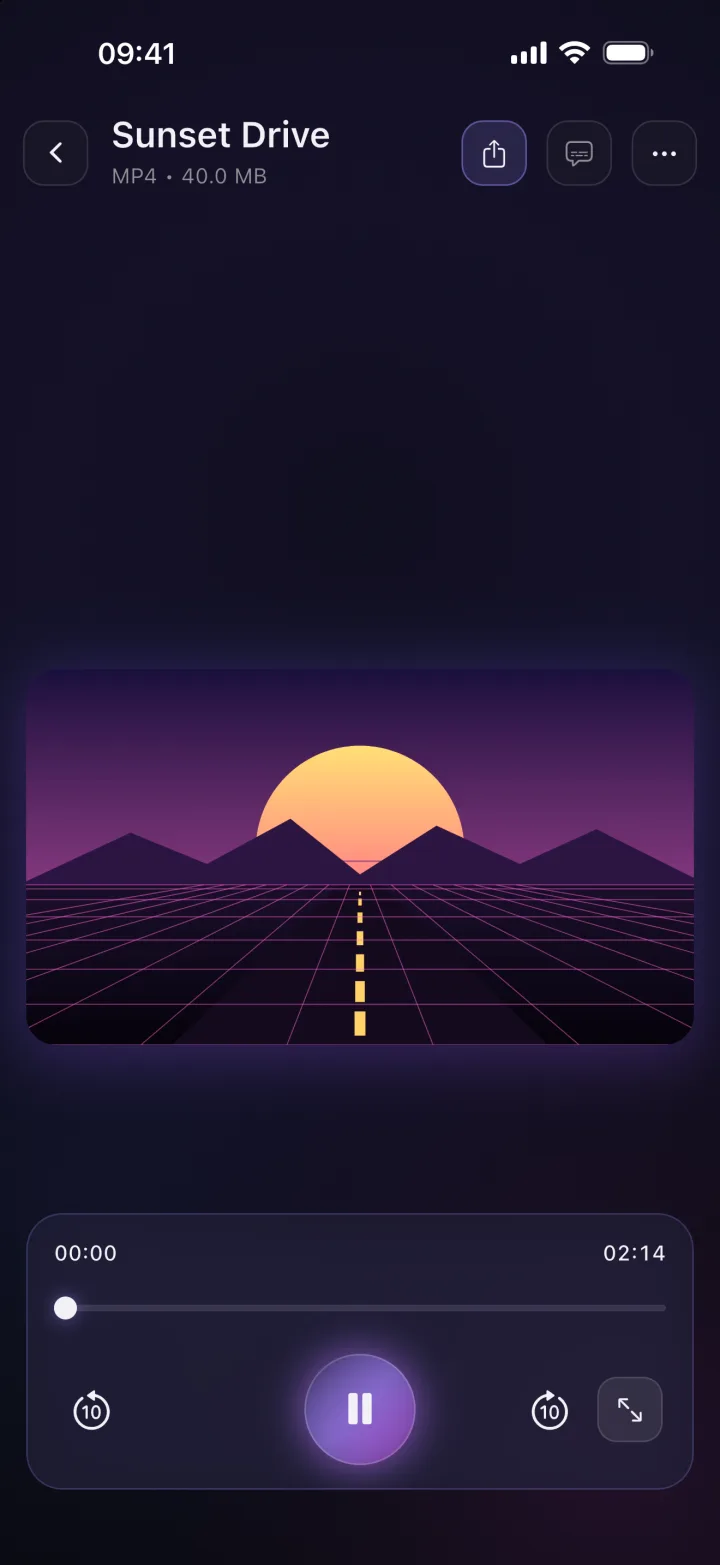
A3 · Videos
Your clips, lessons and recordings in a dark player made for watching, not for feeds.
Side B
B1
Search titles, artists and albums.
B2
Background playback and lock screen controls.
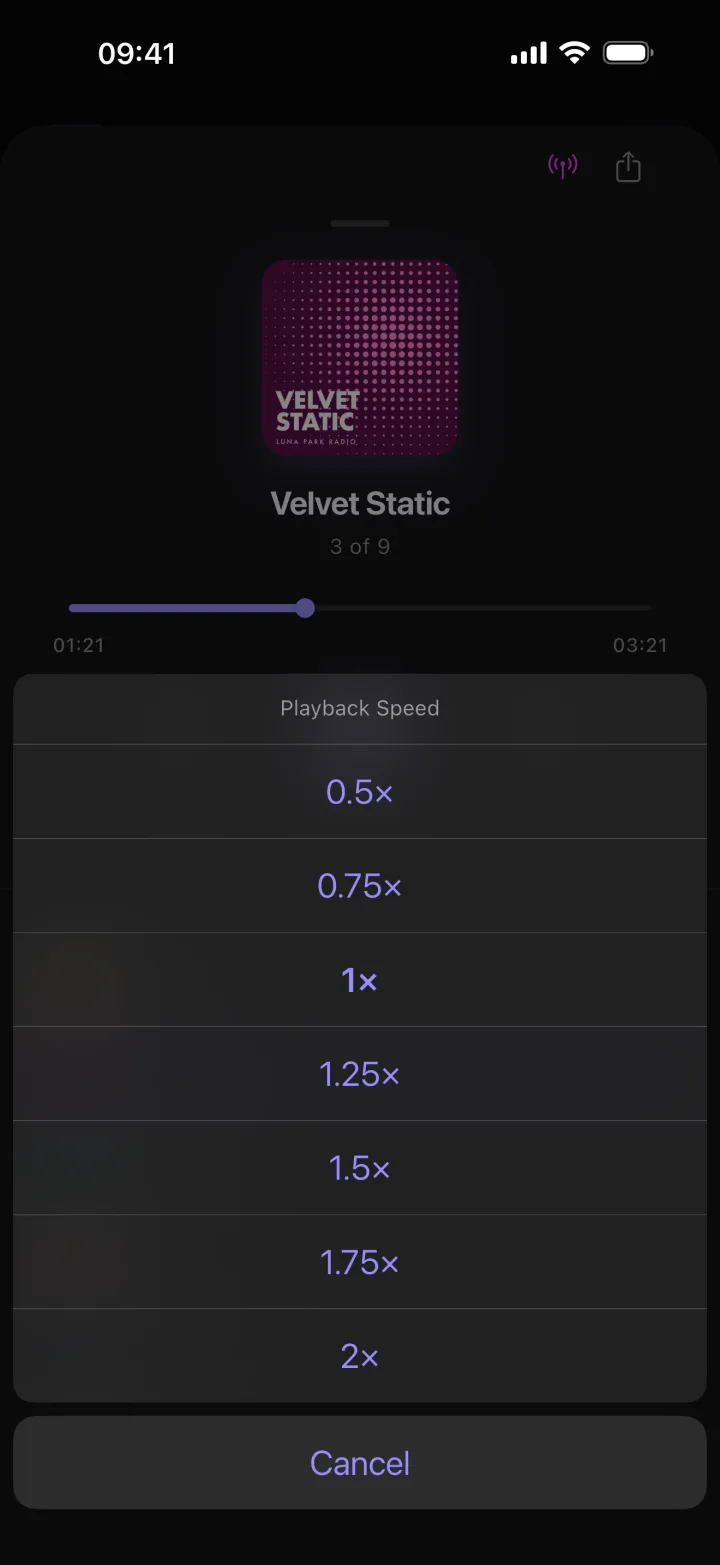
B3
From 0.5× to 2×.
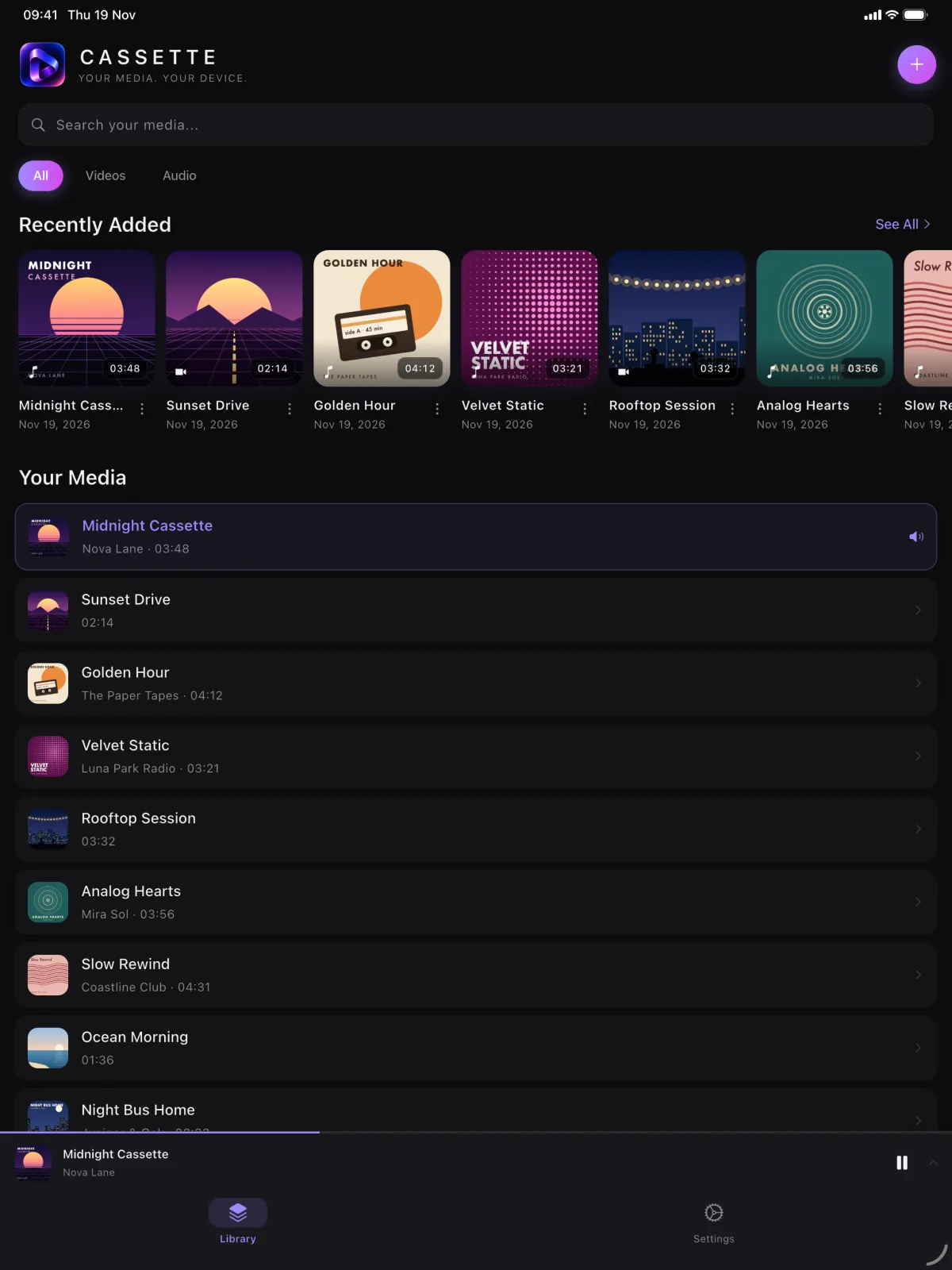
Big screen
The same library and the same deck, with room for more cassettes.
Your media. Your device.
Audio: MP3, AAC, M4A, FLAC and WAV. Video: MP4, MOV and M4V. Files iOS can’t decode, such as MKV videos, won’t play.
Tap + in the library. “Import audio” opens the Files app, “Import videos” opens your photo library. You can also share a file to Cassette Air from another app.
No. Your files play offline, without Wi-Fi or mobile data.
On your device. Cassette Air keeps a copy of each imported file in the app; there is no account and no cloud sync. Deleting an item from the library deletes that copy.
Yes, on iPhone and iPad with iOS 15 or later.
Yes. Cassette Air is free and shows ads. There is no subscription.

Free on the App Store. No account, no subscription.